← Multiplayer
C-Dogs SDL
C-Dogs SDL is a classic overhead run-and-gun game supporting up to 4 players in co-op and deathmatch modes. You can customize your player, and choose from many weapons.
Online1–4 players
Hot-seat1–4 players
C-Dogs SDL is a free, open-source overhead run-and-gun game — a modern port of the classic DOS game C-Dogs by Ronny Wester.
It is a classic overhead run-and-gun game supporting up to 4 players in co-op and deathmatch modes. You can customize your player, choose from many weapons, and blast your way through over 100 user-created campaigns.
Notable features:
- High-resolution support, local multiplayer up to 4 players, and LAN multiplayer
- A new high score system tracking speed runs, pacifist runs, accuracy, and more
- Support for Wolfenstein 3D, Spear of Destiny, and Super 3D Noah's Ark as playable mods
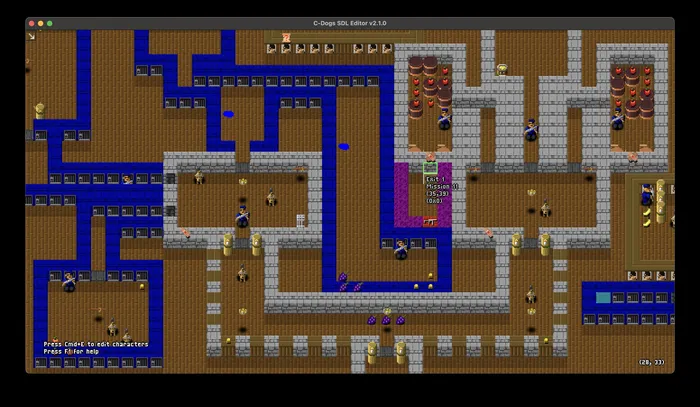
- A campaign editor so you can create and import your own campaigns
Game Lobby
Players create their own games — join via the in-game server browser.
Game Clients
C-Dogs.SDL-2.4.0-win32.zip
Windows · Intel/AMD 64-bit · v2.4.0
- Unzip the downloaded zip archive.
- Launch C-Dogs at bin/cdogs.exe, it is safe to run.
The Server (Host)
- Launch C-Dogs SDL normally.
- Set up your game — pick a campaign/mode and configure settings.
- When you reach the "Press fire to join" screen (the player-joining lobby), the game automatically begins listening for network connections from other players on your LAN. You don't need to do anything special — just wait there.
The Clients (Joining Players)
- Clients connect using a command-line argument with the host's local IP address:
bin/cdogs --connect name.geekedu.eu